What to expect in your first online personal training session
A minute by minute walkthrough of a first live video training session, from the intake call and camera setup to the movement screen and your first program.
Updated
In this article10
Your first session is mostly talking. A camera check, a walk through your injury history, then twenty minutes of a coach watching you squat, hinge and reach with nothing in your hands. If you lift anything at all, it's light and it's near the end.
Nobody is grading you. There's no fitness test and no weigh-in, and nobody expects you to be in shape already. Most of the nerves people bring to a first call come from not knowing the script.
So here's the script. I run a live coaching service and I've sat in on a lot of first sessions, but almost all of this holds for any decent online service.
The hour, in order
Services vary, and some run 45 minutes rather than 60, so ask when you book. A standard first hour tends to go roughly like this:
- 0 to 5 minutes, the tech check: can your coach see you and hear you while you move.
- 5 to 15, your intake out loud: goals, injuries, schedule, what you own.
- 15 to 35, the movement screen, all bodyweight.
- 35 to 50, one or two loaded movements, light, using whatever's in the room.
- 50 to 60, what the coach saw, what week one looks like, and your questions.
The rest of this is what happens inside each block.
Sort these three things before you log on
None of them cost money, and all three make the hour worth more.
Write down your injury history, anything that currently aches, and a list of what you own. Be specific. "My knee sometimes hurts on stairs" is useful. "I'm basically fine" is not. Your entire first program leans on this conversation, and vague answers buy you a vague program.
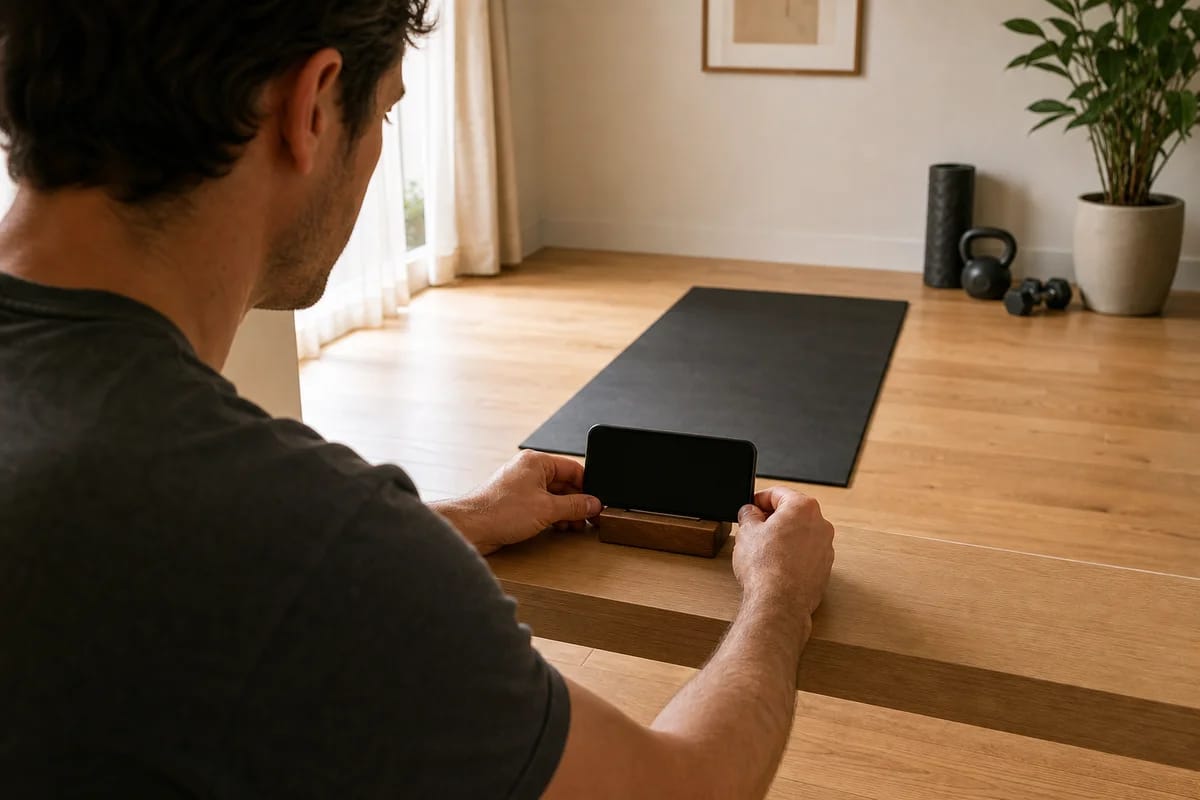
Set your camera up and test it before the call. Phone or laptop at roughly hip height, far enough back that your head and your feet are both in frame, ideally at a slight angle rather than dead-on. A coach reading a squat needs your feet, knees, hips and spine visible at the same time, so placement matters much more than camera quality. Clear enough floor to take a big step in any direction while you're at it. There's a fuller version of this in camera setup for online personal training.
Then dress for it. Clothes fitted enough that your knees and hips read as shapes rather than guesses, and earbuds if you have them. Cues have to land mid-rep, not after you've put the weight down and walked back to the laptop.
Don't go shopping first. Turn up with what you already have, even if that's nothing, and let the coach build around it.
The first fifteen minutes are talking
Almost every serious online service starts with an intake conversation. Sometimes it's a separate call before you ever train, sometimes it's the front end of session one. Your coach asks about your goals, your injury history, your training history, your schedule and your equipment. If you did the homework above, this part goes fast and goes deep.
It's also where a good service decides who coaches you, so ask how that decision gets made. A person listening beats a signup quiz feeding an algorithm, because a quiz can't hear you hesitate when you mention your shoulder.
The movement screen, and what your coach is reading
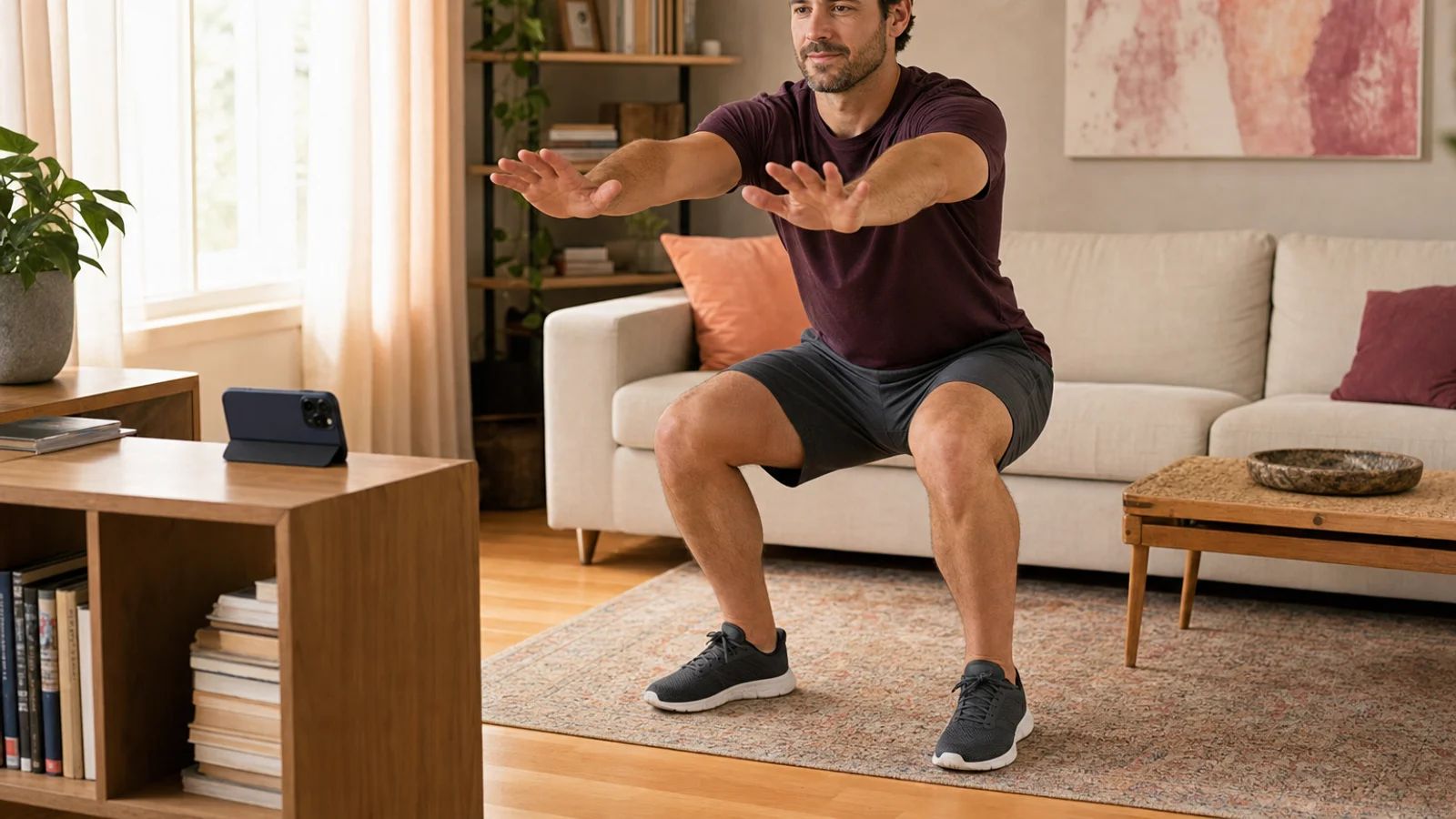
Then the camera does the work. The screen is a short series of unloaded movements: a bodyweight squat, a hip hinge, maybe a lunge or a single-leg balance, some overhead reaching, and a little breathing or bracing work. Each one answers a specific question.
The squat tests ankles, knees, hips and trunk at once. Your coach is watching for the moment something changes on the way down. Heels lifting points to limited ankle range. Knees caving in points to hip control worth training. A chest that drops suddenly means the trunk is losing the fight. None of those are flaws. They're the inputs that decide whether your first squat variation is a box squat, a goblet squat, or heels elevated.
The hinge asks something else: can you bend from the hips while your spine stays roughly neutral. Deadlifts, kettlebell swings and picking your kid up all live on that pattern. If your lower back rounds the second you reach past your knees, you'll start with an elevated pull or a dowel drill, not a bar off the floor.
Bracing is the quiet one. Your coach watches how you breathe under light effort. Can you keep your ribs stacked over your pelvis and hold gentle pressure through your trunk while your arms and legs move. That skill is what makes weight feel stable later, so if it's missing, it gets trained first.
None of this is a test you pass. Your coach is collecting settings.
What a movement screen can't do
It can't tell you whether you're about to get hurt. The formal versions have been studied hard and the results are humbling: a 2017 systematic review with meta-analysis in the British Journal of Sports Medicine, by Moran and colleagues, found Functional Movement Screen composite scores didn't predict injury well enough to justify using them for that.1
So if a coach tells you your screen revealed your injury risk score, be skeptical. The defensible use is smaller and more useful: choosing exercises and starting loads that suit the body in front of them. Those two things get conflated constantly, and it's worth knowing the difference before somebody sells you the first one.
One session is a snapshot, too. How you move on a nervous Tuesday after work isn't the whole truth about your body, which is why a good coach keeps screening quietly in every session after this one.
Can a coach see enough through a phone camera?
More than most people expect, less than everything.
The research on remote physical assessment is reassuring about the parts training runs on. Eleven studies pooled in one 2017 review found remote checks of range of motion, muscle strength, pain, balance and gait were feasible, with mostly good validity and reliability against the in-person version.2 Nine studies pooled in 2024 found telehealth and in-person diagnoses of musculoskeletal problems agreed anywhere from moderately to almost perfectly.3 Both drew mostly on small studies in clinical populations rather than gym clients, so don't over-read them.
What doesn't travel is anything needing hands. A coach on video can't feel your tissue, can't physically spot a heavy barbell lift, and shouldn't be diagnosing your pain. A good one says exactly that and sends you to a clinician in the room when something needs touching. What the camera does carry is how you move, how fast the weight moves, and how you respond to a cue. I went further into that in can a trainer really check your form over video.
Then you lift something, lightly
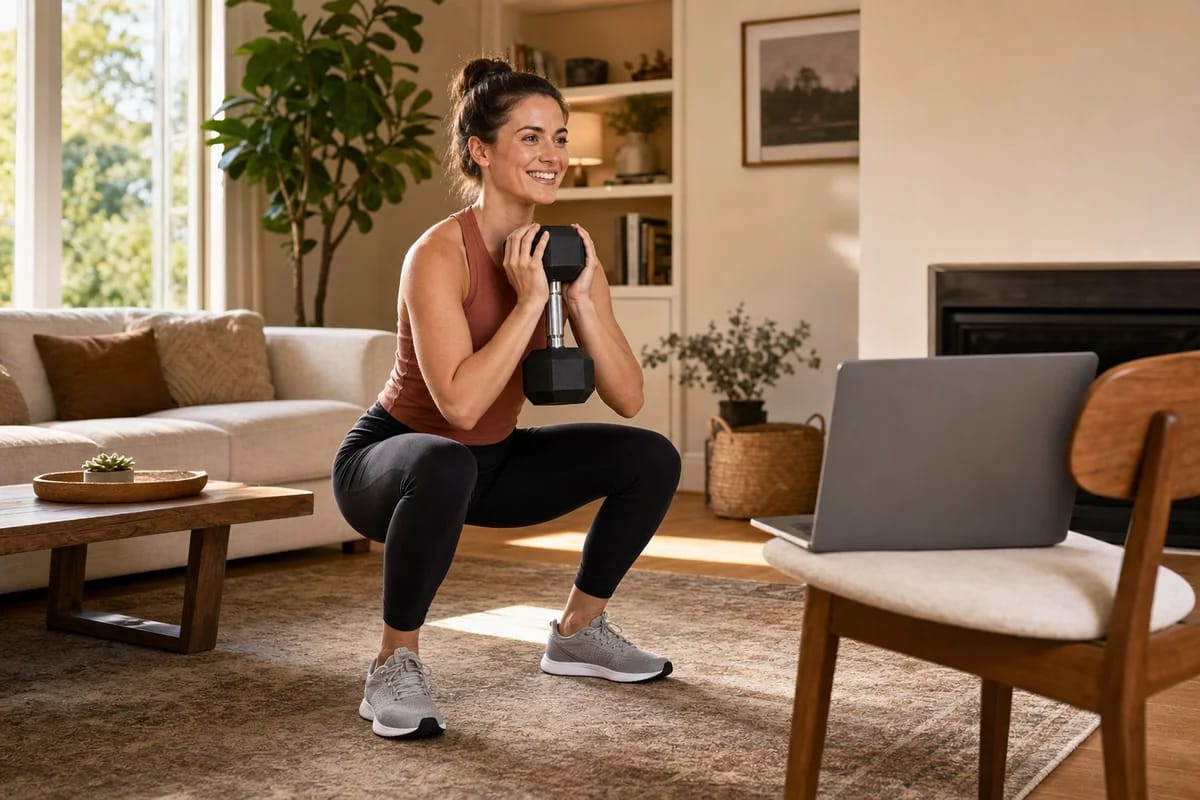
It comes near the end, after the screen is done, and it's light on purpose. A short warm-up first, then your coach picks one or two loaded movements based on what the screen showed, using whatever you own. A goblet squat with a dumbbell, a row with a band, a hinge with a backpack full of books.
The weight is a probe, not a workout. Your coach is watching what changes when load turns up: does the brace hold, does the depth survive, does the path wander on rep five. You can't get that from a bodyweight squat, and it's the last thing needed before anyone writes you a program.
A pooled analysis of supervised versus unsupervised resistance training found a small advantage for supervision, clearest in strength gains.4 Its authors called that analysis exploratory, and small means small. It still points the same way as common sense: people train more accurately, and more honestly, when someone's watching.
After you log off
Nobody sees this part, and it's the actual product of the hour. Your coach turns what they saw into week one: the squat variation your ankles allow, the hinge progression your back is ready for, loads set by how those probe sets moved.
Services differ a lot in how alive that program stays. Some write a multi-week block up front and check in on it. Others write session by session, so what happened on Tuesday shapes Thursday. Ask which one you're buying, because it decides how quickly the plan reacts when something isn't working. Either way, you should be able to message your coach when a movement feels wrong and get an answer from a person rather than a template.
Common questions
Do I need equipment for my first online personal training session? No. The screen is bodyweight, and any loaded work uses what you already have, even a backpack with books in it. A service that wants you to buy something before session one is making a business decision, not a training one.
What if I'm really out of shape or my form is terrible? Then the session is working as designed. The screen exists to find your starting point, and a limited squat tells your coach more than a pretty one does. There's no level you have to reach before you're allowed to start.
What if my internet drops mid-session? It happens, and coaches are used to it. Agree on a fallback at the start, usually rejoining or switching to a phone hotspot, and a decent service reschedules a dead call without burning your session.
Will I be sore after the first session? Maybe a little, since new movements can leave you sore. But a well-run first session is deliberately light, because its job is information rather than fatigue.
How to tell it was a good one
Judge the hour by what your coach noticed, not by how tired you feel after. Did they come back to the knee you mentioned. Did they swap an exercise because of something they saw, rather than because it was next on a list. Can they tell you why you're starting where you're starting. A first session that wrecks you for three days is a red flag about the coach, not a badge of honor.
If you'd rather try one than read about one, that's what we sell. Your 14 days free cover the onboarding call with our head coach, the movement screen, and unlimited live 1‑on‑1 sessions after it, though nothing here stops you filming your own squat and hinge tonight, checking them against the notes above, and taking what you spot to any service you like.
Sources
-
Moran RW, Schneiders AG, Mason J, Sullivan SJ, 2017. Do Functional Movement Screen (FMS) composite scores predict subsequent injury? A systematic review with meta-analysis. British Journal of Sports Medicine. ↩
-
Mani S, Sharma S, Omar B, Paungmali A, Joseph L, 2017. Validity and reliability of Internet-based physiotherapy assessment for musculoskeletal disorders: a systematic review. Journal of Telemedicine and Telecare. ↩
-
Oh D, To D, Corso M, Murnaghan K, Yu H, Cancelliere C, 2024. Agreement and concurrent validity between telehealth and in-person diagnosis of musculoskeletal conditions: a systematic review. Chiropractic & Manual Therapies. ↩
-
Fisher JP, Steele J, Wolf M, et al., 2022. The role of supervision in resistance training; an exploratory systematic review and meta-analysis. International Journal of Strength and Conditioning. ↩
More on