Camera setup for online personal training: a simple guide
Where to put your phone so a coach can actually see your hips and spine. Height, distance, angle, and light, using furniture you already own.
In this article11
Your phone already has the camera that can coach your lifts. What trips people up almost never the hardware. It's the angle they point it at.
The default setup is a phone propped on a table, close enough to fill the frame with your face and shoulders. It feels right, that's how everyone films a video call. It also hides the two things a coach most needs to see: what your hips are doing and what your spine is doing. Fix the angle and a five-year-old phone beats a $200 webcam aimed the wrong way.
Here's the full setup, in order: height, distance, angle, light, and something to prop it on so it doesn't move. Most of it costs nothing and takes about five minutes, once.
The angle matters more than the camera
A coach isn't watching your face. They're watching hinge points: where your hip folds, whether your lower back rounds under load, how your knee tracks over your foot, whether the bar drifts away from you.
Those all happen in profile. Film straight on and your torso hides your spine while your own body blocks the bar path, a deadlift shot head-on just looks like standing up. The same rep from the side tells the whole story: the hinge, the back angle, the bar staying close or swinging out.
The joints a coach actually grades move front to back. A camera pointed at your face is looking at the wrong plane entirely.
How high should the camera sit?
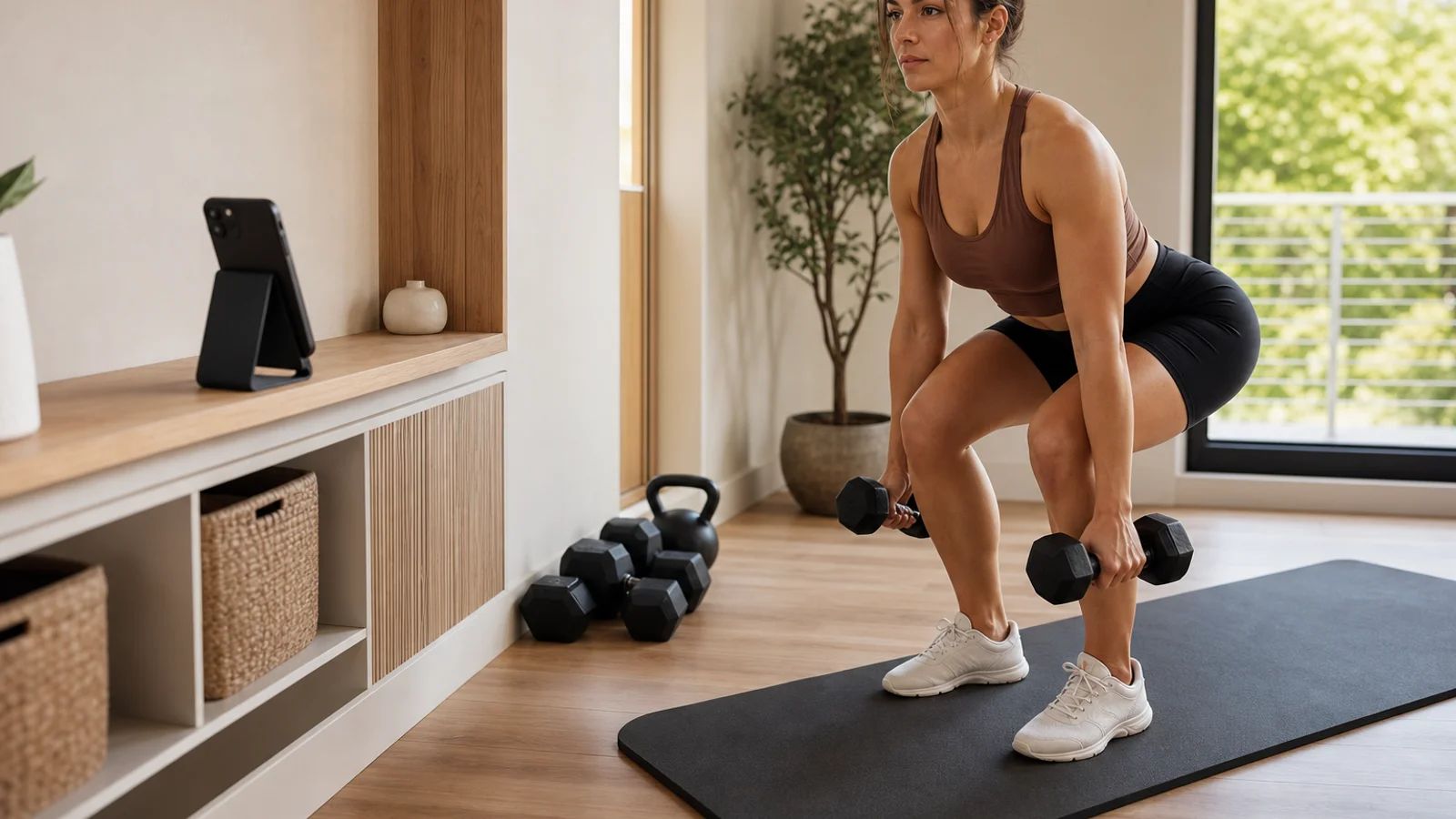
About hip height. That single change fixes the most footage.
A phone up on a kitchen table or counter is looking down at you. From up there a flat back can read as rounded and a deep squat can read as shallow, because the lens distorts everything below it. Drop the camera to roughly where your hips sit and the lens looks straight across at the exact zone your coach is grading. Nothing gets foreshortened.
For standing lifts, hip height is where you want it. For floor work, push-ups, planks, anything lying down, go lower still, down near the floor so the camera sits level with your body instead of staring down at your back.
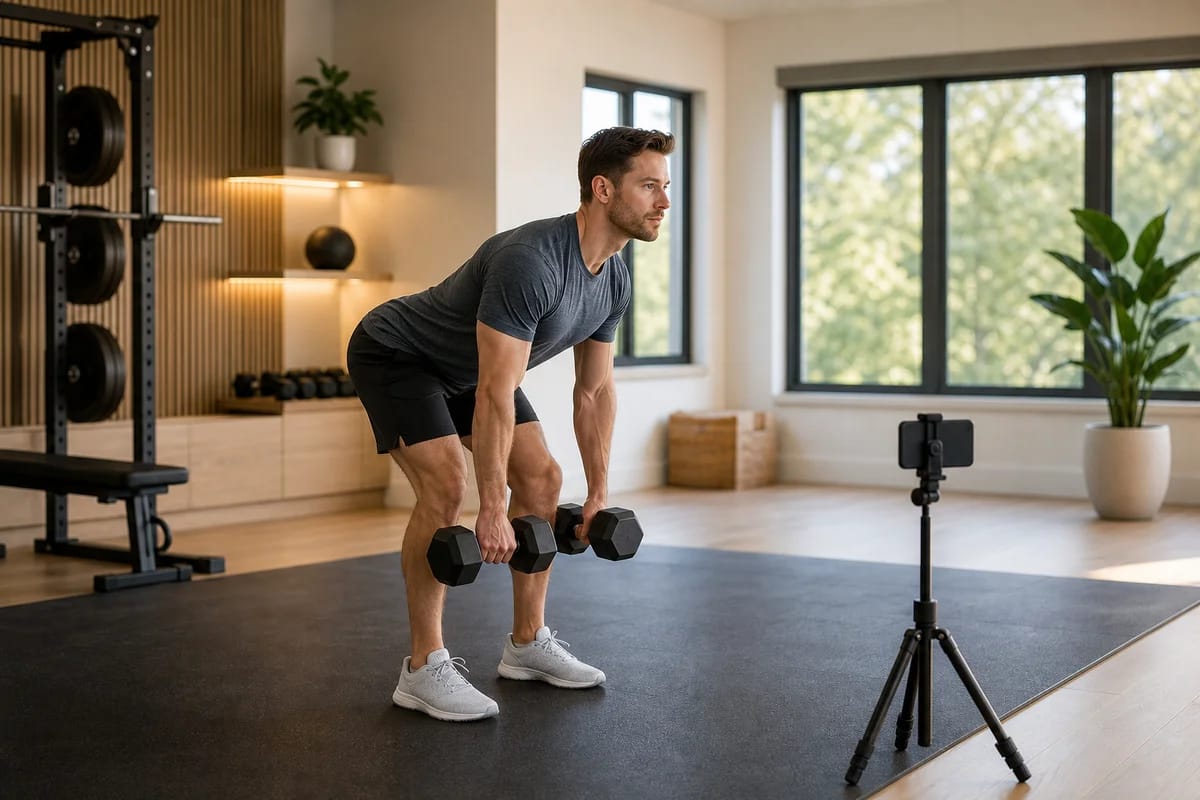
Stand back 7 to 10 feet, and turn the phone sideways
Far enough to fit all of you plus the full travel of whatever you're lifting. In a normal room that's usually 7 to 10 feet.
The test that matters more than any number: the frame has to hold the whole lift, start to finish, not just where you're standing still. A squat that looks fine framed at the top can put your head out of shot at the bottom, or clip your feet as you sink. An overhead press needs room above your hands at lockout. A deadlift needs the floor and your shoulders in the same shot.
Too close is the more common mistake. People pull the phone in so it reads clearly, then the moment they actually move, half the body leaves the frame. Better a foot too far back and a little small than perfectly framed and cut off at the rep that counts.
Turn the phone landscape, not portrait. A standing person plus a barbell is a wide, short shape, and landscape fits it with room to spare. Portrait wastes the frame on ceiling and floor and forces you closer than you want to be.
What's the best single angle?
If you only set up one angle, make it three-quarter view, turned about 45 degrees between facing the camera and standing side-on to it.
Pure side-on gives the cleanest read of a hinge or a squat, and plenty of coaches will ask for it on those specific lifts. But shooting side-on only hides one whole arm and flattens anything asymmetric, so a shoulder that's drifting or a knee caving in can disappear. Straight-on has the opposite problem: great for left-right symmetry, useless for spine and hip depth.
Three-quarter view splits the difference. It keeps your spine and hip fold visible the way a side view does, while still showing both sides of your body so a coach can catch a shoulder or knee going where it shouldn't. One camera can't shoot you from two sides at once, so three-quarters is the closest thing to seeing both, and it's the most forgiving choice for a single fixed camera across squats, hinges, presses, and rows.
Keep the light in front of you
Never behind. A camera sets its exposure for the brightest thing in the frame, and if that's a sunny window at your back, the phone exposes for the window and drops you into a dark shape. Your coach gets a shadow doing squats.
This is the single most common thing that wrecks otherwise good footage, and you won't notice it happening, your eyes adjust to the room, the camera doesn't. Point the setup so any window or main light sits on the camera's side, falling on your front. If your only big window has to be behind you, close the blinds and turn on the room lights instead, so the brightest thing in frame is you, not the glass. A couple of ceiling lights plus one lamp near the camera is plenty. Nothing here needs to be bought.
One more thing: wear clothes the camera can actually read. Knees, hips, and shoulders need to show, so fitted at the legs beats baggy sweatpants. The outfit to avoid is all black against a dark couch in a dim room, where your whole lower half disappears.
What to prop the phone on
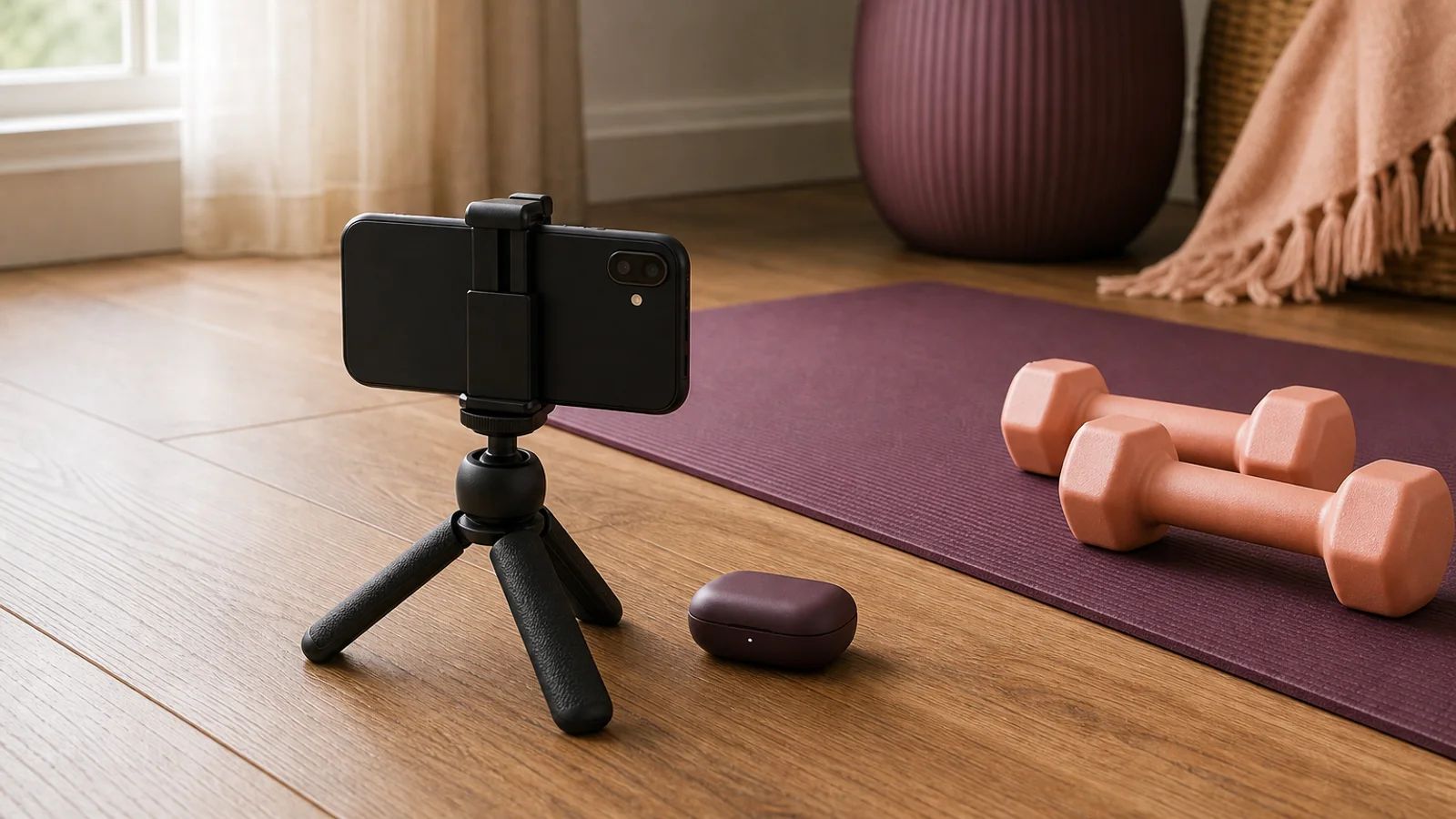
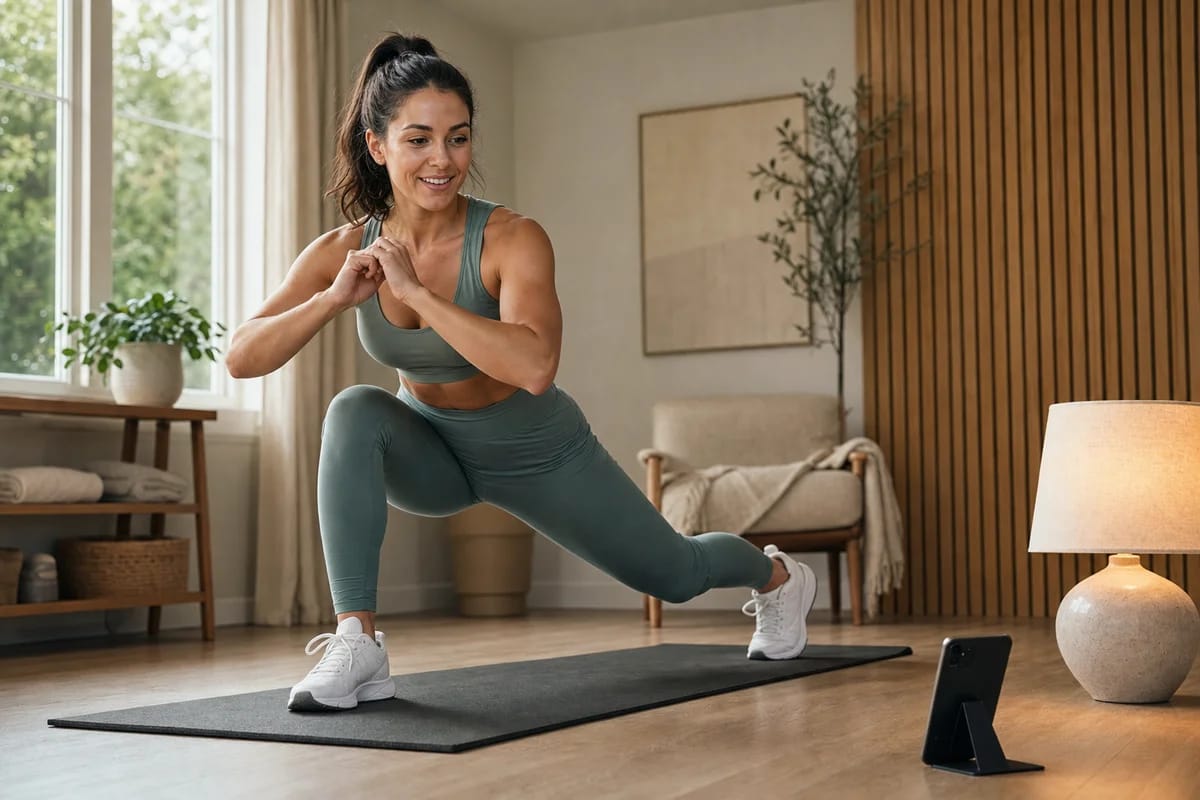
The easy fix is a cheap phone stand, a small tripod or a bendy gooseneck runs about $10 to $20 on Amazon, Temu, or eBay, there are hundreds of them, and if you own a 3D printer you can print one for the cost of a little filament. It's worth buying mainly because it makes nudging the height and angle between exercises quick instead of fiddly.
You don't have to spend anything, though. Whatever sits at hip height and won't move does the job: a bookshelf, a sturdy box, a step stool, a stack of books on a chair seat, a windowsill, a plant stand. Lean the phone against something behind it so it can't tip, a mug, a water bottle, a wall. If it keeps sliding, a strip of tape or something heavier behind it fixes that in a second.
Either way it lives in one spot, and you stop thinking about it after the first time.
Film a test rep before your first session
Test it before it matters, not during your session. Film one rep of whatever you're about to do and watch it back for three seconds.
You're checking one thing: can you see the joints move through the full range. For a squat, your feet stay in shot at the top and your head stays in shot at the bottom. For a press, your hands are still in frame at lockout. For a deadlift, the floor and your shoulders share the screen. If anything important leaves the frame, step back a foot or drop the camera and try again.
Do this once per room and you rarely think about it again. The floor space you need is smaller than people assume: enough to stand back 7 to 10 feet with a clear lane so you're not lifting into a lampshade. If you've got the room, err toward moving the phone or laptop further back, the extra distance only helps a coach get all of you in frame. In a tight room, filming from a corner buys diagonal distance a straight wall won't.
How you'll hear your coach from across the room
Wireless earbuds. Once the camera is 8 or 10 feet away so it can see your whole lift, its speaker is that far away too, and a live cue can get buried under your own breathing and a dumbbell hitting the floor.
Pop in AirPods or any Bluetooth earbuds and your coach is right in your ear, calling the cue on the rep it actually matters, while the camera stays back as far as the lift needs. You move freely, they guide by voice, and the audio never fights the framing. A single earbud is plenty if you'd rather keep one ear on the room, and wired earphones work too if the cable reaches. Earbuds are what let you push the camera back for a clean full-body shot without losing the coaching that makes it worth doing.
What good framing still can't do
A good angle helps a coach see more. It can't make a phone camera perfect.
In low light, older phones get grainy and fast movements blur, so power work and explosive reps read less cleanly than slow, controlled ones. A single fixed camera also can't show every plane at once, so for some lifts a coach may ask you to turn the setup partway through, or send a second angle, because no one position catches everything.
Camera setup is about visibility, not judgment. Seeing your hips clearly is what lets a coach coach. It doesn't replace the coaching itself, and framing a lift well is a different skill from knowing what a rounding back means under load. More on that gap in filming your lifts versus being watched live.
Common questions
Should I use my phone or my laptop? Both work. A phone camera is usually sharper and far easier to prop at hip height wherever you need it, so most people use the phone for the lift and only bring in a laptop when they want a bigger screen to watch their coach demonstrate something. If you go with the laptop, remember it's usually stuck at desk height, so put it up on something lower to get the lens down toward your hips.
Do I need a special camera or a webcam? No. A phone from the last several years beats most webcams for this, mainly because you can place it exactly where you want. The camera is almost never the limit. The angle, the height, and the light are.
My room is small. Can this still work? Usually, yes. Film from a corner to get diagonal distance, drop the camera lower to fit your height into a shorter frame, and use landscape so you're not wasting the shot on ceiling and floor. If you truly can't fit a full standing lift, shoot from the side, step back as far as the room allows, and check the test rep before you trust it.
How do I know my setup is actually good? Watch one rep back before you start. If you can see your hips fold, your spine hold its position, and the bar or dumbbell travel top to bottom without leaving the frame, your coach can see all of that too. If you can't, neither can they.
Get the frame right once, then forget about it
Watch your test rep back and ask yourself one thing: can you actually tell whether your back rounded, or whether that knee caved in. If the answer's yes, you've already got the eye for this and the setup above is all you need. If you're staring at the clip and genuinely not sure what you're looking at, that's the harder problem, and it's the one coaching is built to solve. A good angle gets you seen. It doesn't teach you what you're seeing.
At Bespoke Fit, getting your camera right for the room you actually have is part of the first session, your coach looks at the frame and adjusts you until they can see what they need. From there it's live 1‑on‑1 HD video, unlimited, a real coach and never AI, watching every rep. The full flow is on how it works. Your first 14 days are free, and then it's $299 a month.
Get the phone in the right spot. The training is the only thing left to think about.
More on