Camera, earbuds, music: live video training logistics
Where to put your phone, earbuds or speaker, who runs the music, and how much bandwidth you need. A practical setup guide for live video workouts.
Updated
In this article10
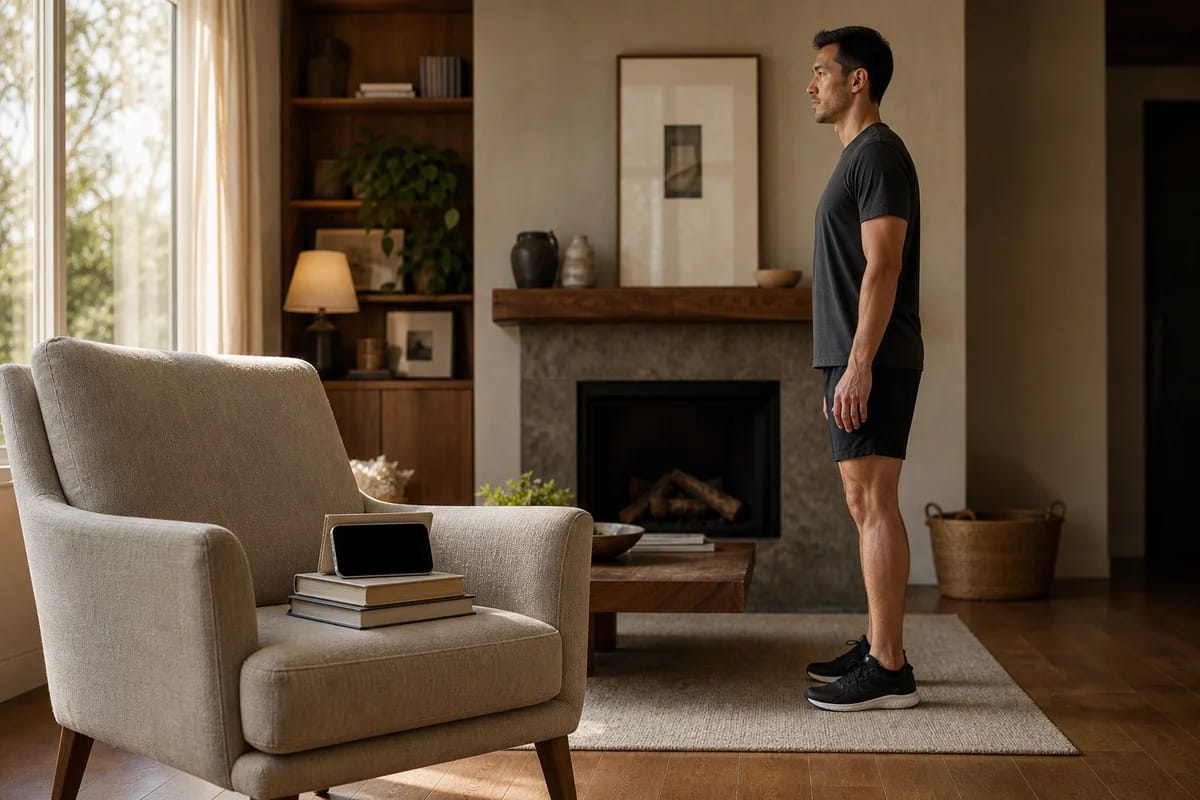
A phone propped on a stack of books at hip height, six feet back. One earbud in. Your own playlist coming out of a speaker in the corner. That's the whole rig, and it takes about five minutes to get right.
Almost nobody asks me about sets and reps before a first live session. They ask where the phone goes, whether they need a tripod, and if the coach can hear their music. Fair questions, because setup is the one part of live video training that lands on you. If the coach can't see your hips, they can't check your squat. Everything below works for any live service, ours included.
Where the camera goes, and what to prop it on
Pick the angle by asking which direction the movement actually happens in.
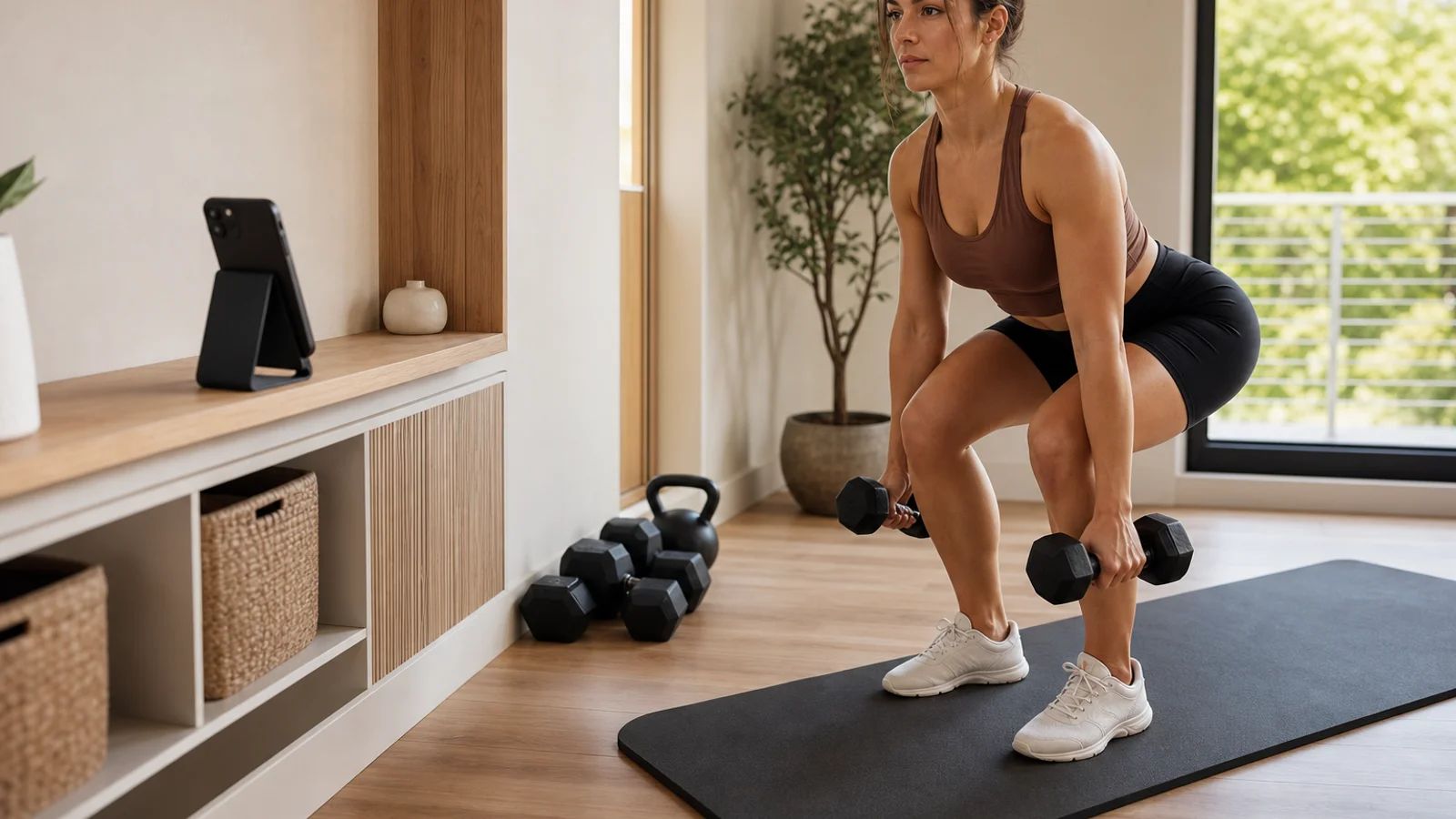
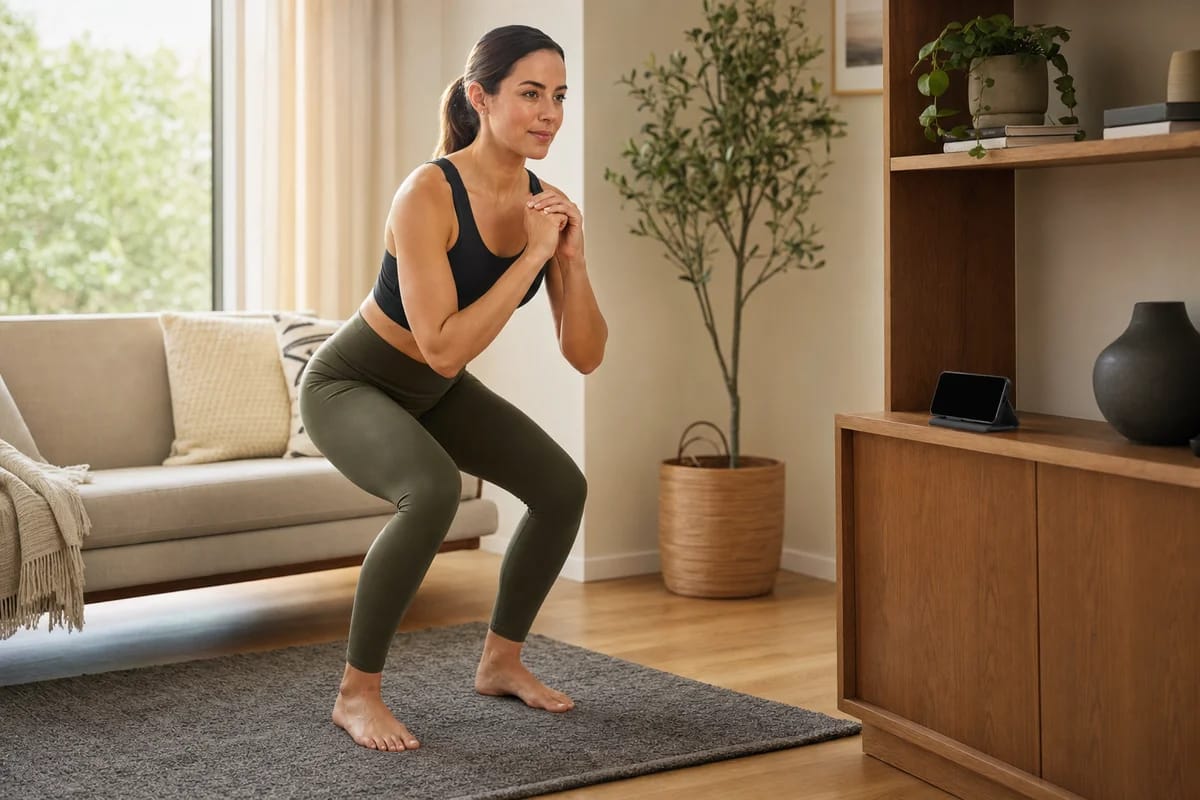
Squats, deadlifts, hinges, lunges: side-on. From the front, a hip hinge looks like almost nothing is happening. From the side, your coach sees depth, back angle, and whether the weight drifts away from you.
Presses, rows, curls, most standing upper-body work: about 45 degrees. Straight-on hides your elbow path behind your torso. Pure side-on hides one whole arm. The diagonal shows both at once.
Push-ups and planks: side-on again, camera lower, roughly at torso height once you're down there. So, side-on for anything hip-driven, diagonal for anything arm-driven.
Height and distance barely change between exercises: hip height, 6 to 10 feet back, phone in landscape. Closer than 6 feet and your feet or your head get cut off mid-rep. Further than 10 and the small stuff goes soft, wrist position, a knee caving in.
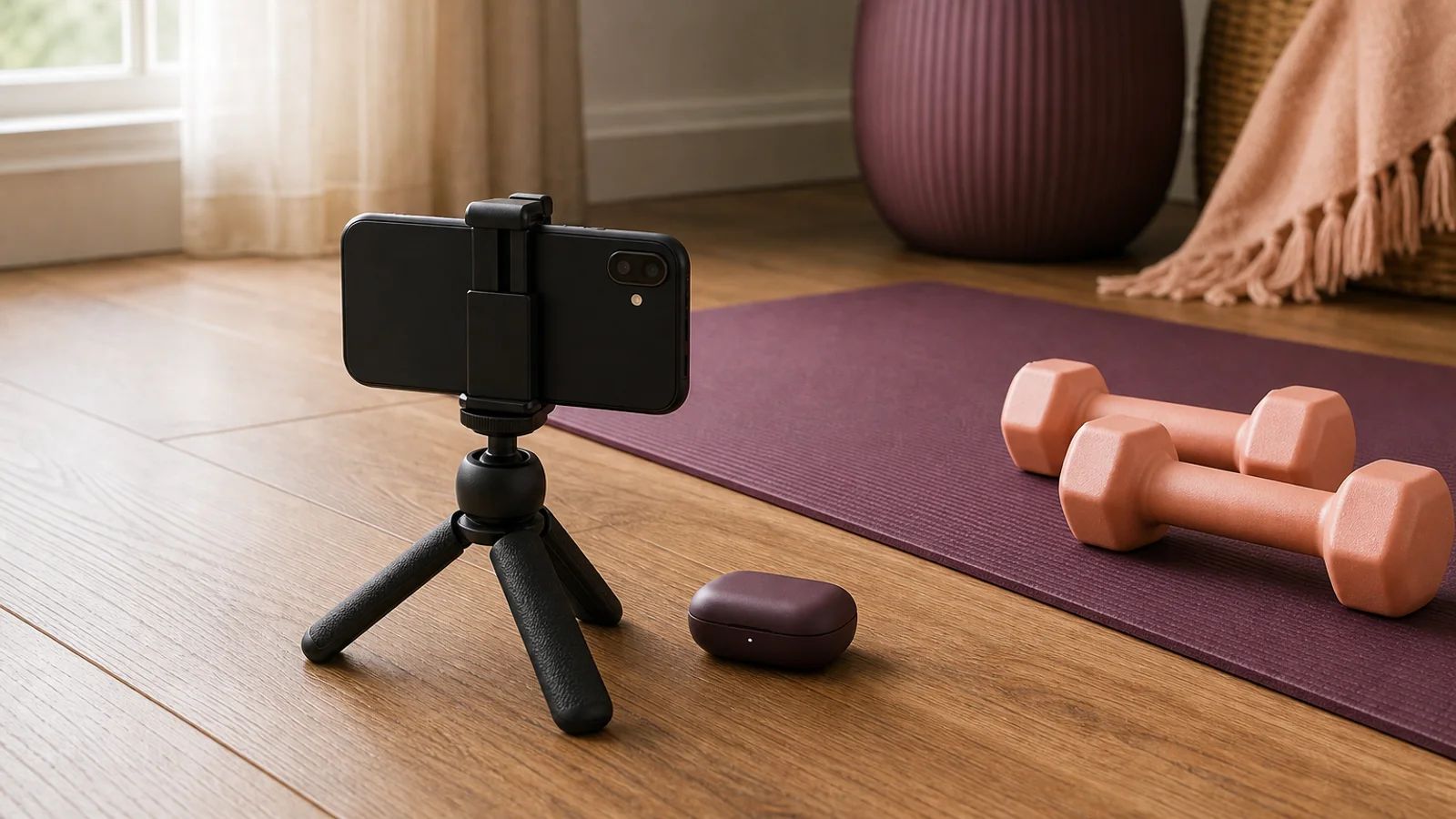
You don't need a tripod. I've never told anyone to buy one. A cheap phone stand, a small tripod or a bendy gooseneck, runs about 10 to 20 dollars on Amazon, Temu, or eBay, and there are printable ones if you own a 3D printer. Buy nothing if you'd rather: a phone stacked on books up to hip height, a bookshelf, a windowsill, a couch armrest, or a laptop on a chair pulled a few feet back. If the phone keeps sliding, put a mug behind it.
Don't lose sleep over getting this perfect before day one either. Dialing the angle in is part of your first session with us, and your coach watches the frame and moves you until it reads. More on that first hour in what to expect in your first session, and the longer version of the angle question is in our camera setup guide.
Earbuds, speaker, or one of each
Both work. The room decides.
Speaker mode wins when you're home alone somewhere quiet. Nothing in your ears, nothing to fall out during floor work, and your phone's mic picks your voice up from across the room without any trouble.
Earbuds win when the house is asleep, you share the space, or the room is loud: a garage with a treadmill running, kids on the other side of the wall. The coach's voice lands in your ear instead of fighting the room.
Most people settle on one in, one out. Cues in one ear, your music and the rest of the world in the other. You never miss a correction, and when an earbud pops out during burpees you've still got the other one. Any pair with a mic is fine. Nobody needs sport-specific buds to start.
Nobody hears your playlist but you
Music doesn't travel through the call. That surprises people, so here's the mechanism.
Video platforms run echo cancellation and noise suppression, and both are tuned to protect one thing: a human voice. Everything else gets treated as background noise and squashed. Music comes out the far end as a thin, garbled murmur, if it survives at all. It's why singing together on lockdown video calls sounded so bad. Your coach can't DJ your session, and you can't stream your playlist to them either.
So you run your own music, out loud in the room or in your open ear, and keep it under talking volume so cues cut through. Your coach just speaks over it.
Worth doing, too. A 2020 meta-analysis in Psychological Bulletin pooled 139 studies and found that music reliably improves physical performance and makes the effort feel easier, with small-to-moderate effects, and that faster music helped more than slow.1 So put something on.
How much internet does a live session actually need?
Less than you'd guess. Zoom's own system requirements put a 1‑on‑1 video call at 1.2 Mbps up and down for 720p HD, and about 3.8 Mbps up, 3.0 Mbps down for 1080p.2 Other platforms, ours included, sit in the same range. If your house streams a film without buffering, it will carry a coaching call.
When video does go choppy, the fix is almost never a faster plan. Walls cost you more than megabits, so move closer to the router. If home Wi-Fi is genuinely bad, a phone on 4G or 5G usually beats it. Run one speed test before your first session, check you're over about 4 Mbps each way, then stop thinking about bandwidth.
What to wear, and where the light goes
Wear whatever you'd normally train in, with one filter: your coach has to see joints. Shorts or leggings beat baggy sweatpants, because knee tracking and squat depth stay visible. Loose up top is fine as long as your shoulders read through it. The one genuinely bad outfit is all black in a dim room against a dark couch.
Light has a single rule: in front of you, not behind you. Cameras expose for the brightest thing in frame, so a window at your back turns you into a silhouette. Face the window instead, or put a lamp roughly behind the camera. Ceiling light plus one lamp is plenty. Nobody needs a ring light to deadlift.
If you hate watching yourself on camera
Most people do, and most of the fix is one toggle.
Stanford research on video-call fatigue argues that a big share of the discomfort comes from the self-view window, the little mirror of yourself that no real-world conversation includes.3 The advice that follows is simple: hide self-view. Your coach still sees you. You just stop watching yourself. Most apps have the setting, ours included, and once your angle is set there's no reason to look at your own feed.
The rest is remembering who's on the other end. One person, not an audience, watching your knee track over your foot and not your living room. In our experience it stops feeling strange within a couple of sessions, and if that's the part you're dreading, it gets a whole post of its own.
Moving a session without the awkwardness
Same etiquette as any live service: message the moment you know, and never just no-show. Two lines two hours out, "today's not happening, can we do tomorrow at 7?", keeps everything easy. Silence is the only move that actually costs you goodwill. Life happens, so skip the apology essay and rebook.
Our own conventions, plainly: it all runs through in-app messaging, so moving a session is one message instead of an email chain. Sessions are unlimited, so shifting one never spends anything. And you can message your coach between sessions with whatever comes up. Details in the FAQ.
Run the whole thing once before your first session
Ten minutes on a quiet evening and there's nothing left to work out on the day.
- Prop the phone side-on at hip height, 6 to 10 feet back, landscape.
- Record a 10-second clip of one bodyweight squat. If ankles, hips, and shoulders stay in frame the whole way, the angle is right.
- Put one earbud in, start your music on a speaker, and set it under talking volume.
- Run a speed test. Over roughly 4 Mbps each way and your connection is a solved problem.
- Watch the clip again for light and clothes. If you're a silhouette, turn around.
Common questions
Phone or laptop, which is better? Either works. Phone cameras are usually sharper and you can prop them anywhere. A laptop gives you a bigger screen when your coach demonstrates a movement. Our sessions run in the app or in a browser on either one, so there's nothing to install.
What happens if my connection drops mid-session? Platforms drop quality before they drop the call, so a wobble usually just looks blurry for a few seconds. If the call does die, rejoin the way you joined and your coach will be there. Nobody assumes you bailed because your router blinked.
Can my coach hear my music, and is that a problem? A faint, filtered version at most, because noise suppression strips out anything that isn't a voice. It's not rude and you don't have to turn it off. Just keep it quiet enough that you can hear cues over the top.
The rig is a chair and a phone
None of this is proprietary. The whole setup is a phone, something to lean it on, and whatever's playing in the corner, and it works on any live service you pick. If you can already tell a clean rep from a sloppy one, and you'll be straight with yourself about which one you just did, you're your own form check: prop the phone, film the set, watch it back.
The service is for people who'd rather have someone watching while it happens. Your Bespoke Fit coach spends part of the first session getting your camera angle right for the room you actually have, and then it's set for good. After that it's live 1‑on‑1 HD video, unlimited sessions, wherever you train. The whole flow is on how it works, your first 14 days are free, and then it's $299 a month. The setup takes five minutes. The training is the part worth showing up for.
Sources
-
Terry, P. C., Karageorghis, C. I., Curran, M. L., Martin, O. V., & Parsons-Smith, R. L., 2020. Effects of music in exercise and sport: A meta-analytic review. Psychological Bulletin. ↩
-
Zoom. Zoom system requirements: Windows, macOS, Linux. Zoom Support. ↩
-
Bailenson, J. N., 2021. Nonverbal overload: A theoretical argument for the causes of Zoom fatigue. Technology, Mind, and Behavior. ↩
More on